Your first 3D game
Official step-by-step series: build Squash the Creeps, a complete small 3D game with jumping, spawning monsters, score and animation.
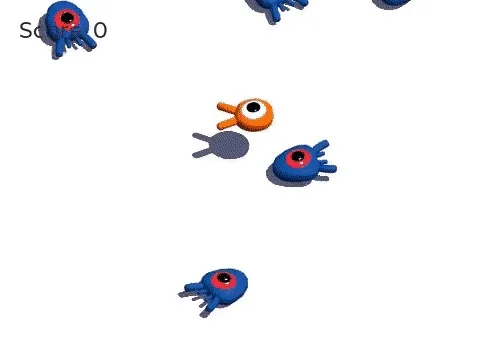
Your first 3D game is the official Godot series that follows Your first 2D game. You build Squash the Creeps, a small but finished game where you jump on monsters to squash them.
The docs say you can do it without the 2D series, but recommend starting with 2D if you're new, because 3D code is more complex. Assets are ready to download, and the full source is published in both GDScript and C#.
What it covers
- Work with 3D coordinates and a jump mechanic
- Move characters with kinematic bodies and detect collisions
- Use physics layers and groups
- Spawn monsters at regular intervals
- Animate the character and draw a UI on a 3D game
- Provider
- Godot Docs
- Engine / tool
- Godot
- Level
- Beginner
Open the tutorial Opens Godot Docs in a new tab. Source: docs.godotengine.org/en/stable/getting_started/first_3d_game/index.html