Introduction
Introduction chapter of the official Tiled manual, the flexible tile map level editor.
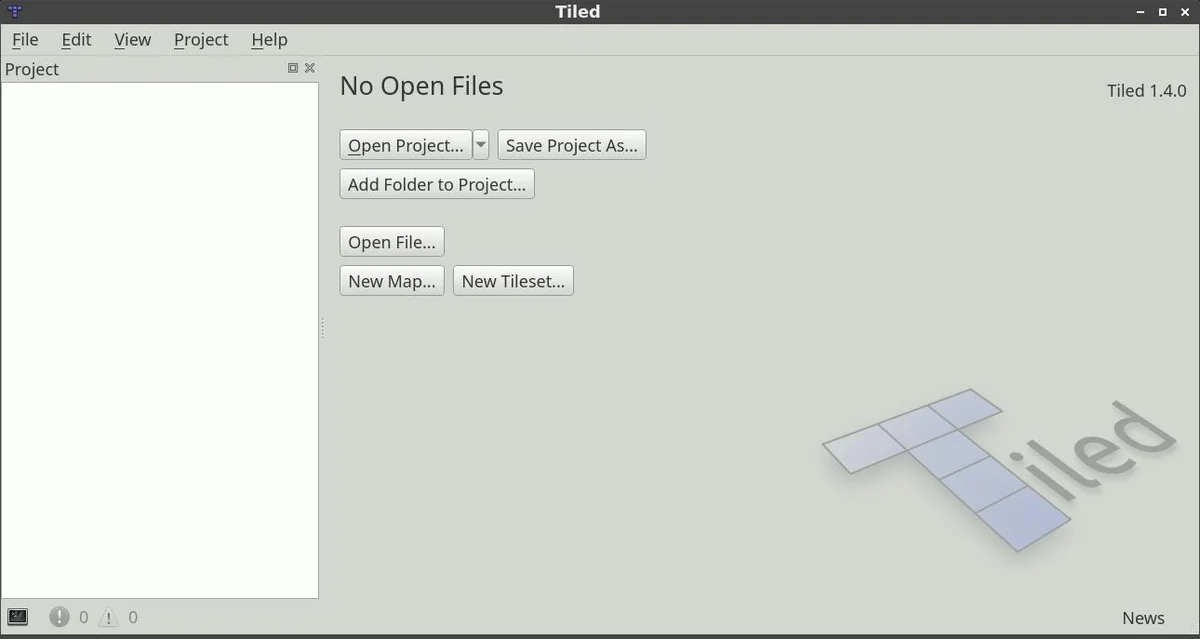
Introduction is the first chapter of the official Tiled user manual. It explains that Tiled is a 2D level editor whose main job is editing tile maps, but that also supports free image placement and ways to annotate levels with extra information for your game.
It covers the layer types Tiled supports (rectangular, isometric, staggered isometric, staggered hexagonal and oblique), how tilesets can be one image or a collection of images, and the stamp brush and other tools for painting tile layers, before the manual moves on to getting started and projects.
What it covers
- What Tiled is for
- Supported tile layer types
- Tilesets and editing tools
- Provider
- Tiled Docs
- Engine / tool
- Any engine
Open the tutorial Opens Tiled Docs in a new tab. Source: doc.mapeditor.org/en/stable/manual/introduction